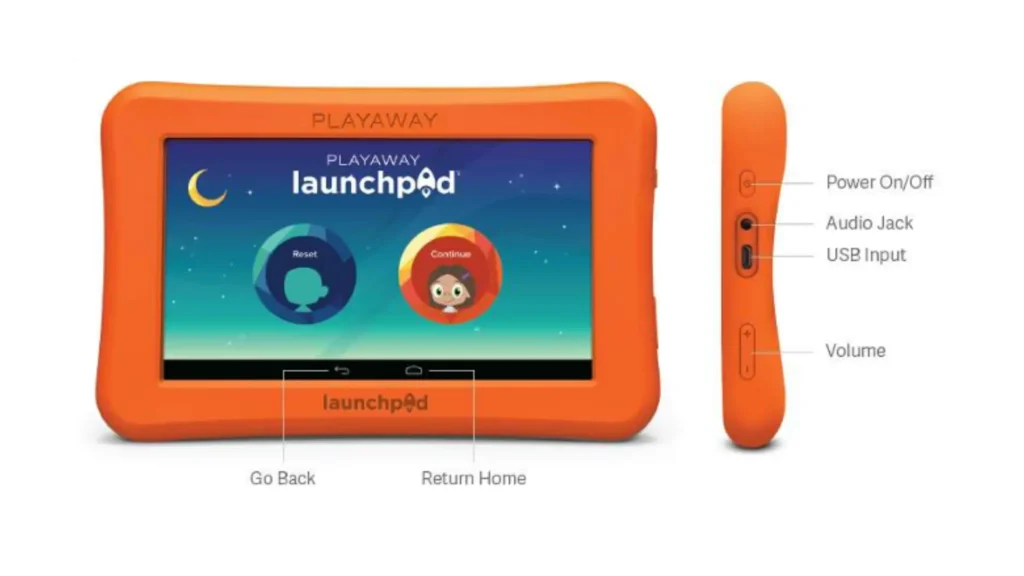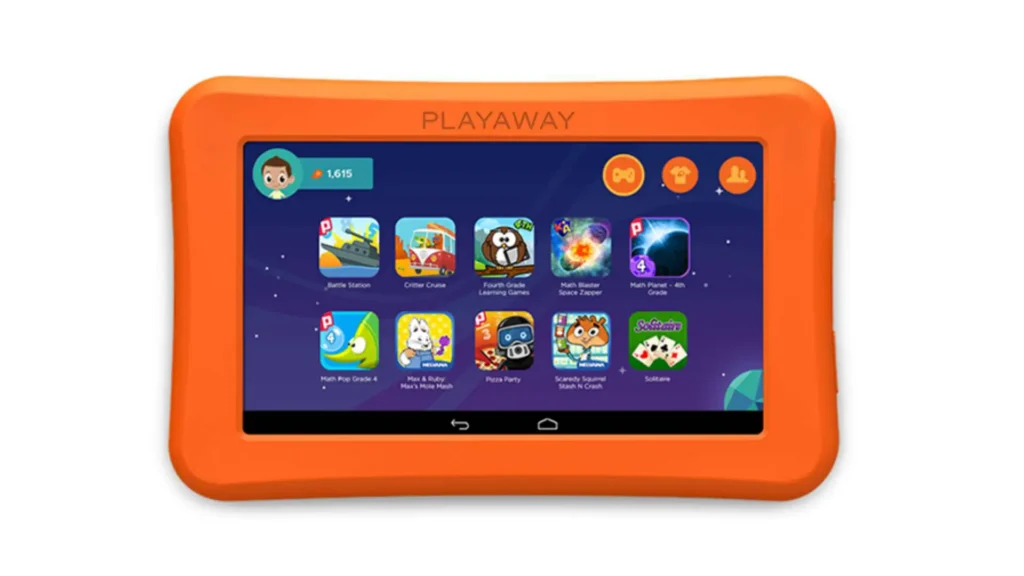
Have you tried our launchpads?
Launchpads are available for checkout at your local library!
Kids can explore a world of learning through videos, ebooks, games, and more on this interactive tablet.
Spanish resources also available. No downloads or internet required.
Borrow a Launchpad from your local library or place a hold in PINES.
LaunchPAD FAQs
What are Launchpads and how do they work?
- Launchpads are portable interactive devices that are preloaded with storybooks, educational videos, and bilingual resources to keep children interested in learning.
- There are no downloads and they do not require internet. Kids are only able to access age-appropriate content that is preloaded on the device.
- They are easy to use; just power on and go!
Where can you check out Launchpads? Can you place a hold through PINES?
- Launchpads are available at multiple LOPL locations, including libraries in all three counties.
- Launchpads can be requested for holds pickup at any LOPL location, just like other AV items.
How do I find Launchpads in the PINES catalog?
- Limit your search to LOPL items and type “launchpad tablet” in the keyword search.
What are the borrowing limits?
- 14 days, no renewals. Overdue fine is $3 per day.
What happens if a Launchpad is lost or damaged?
- The fees for lost or damaged devices vary by item and are listed in the catalog record. The price is typically more than $100.
- Lost or damaged accessory fees are $15 for a missing cord and $15 for a missing adapter.
- There is a sticker inside the Launchpad box listing the items (tablet, cord, and adapter), any associated fees, and a note to return the Launchpad to Library Staff (not a book drop). There is a check-in and check-out alert that says the same thing.
How are Launchpads checked back in?
- Launchpads should be returned to staff at a desk (not a book drop).
- Staff should confirm all components are present, the device turns on, and nothing is damaged.
- Check that the title on the Launchpad player matches the title on the case.